
Having export issues? We have a new solution

Hi everyone, I am Xuanyuan, the creator of SvgAnimate.
Recently some users told me: the animation plays normally on the site, but after export the file cannot be opened, or elements are missing.
After analysis, for some animations, this can indeed happen with the current export pipeline.
I will not go deep into technical details here. We will keep researching new solutions and fixing this issue.
Before that is fully solved, we have released a new solution that can alleviate the problem: Direct Recording.
You can open the animation detail page or the creation page, click Export MP4, and at the bottom of the dropdown you will see a new entry:
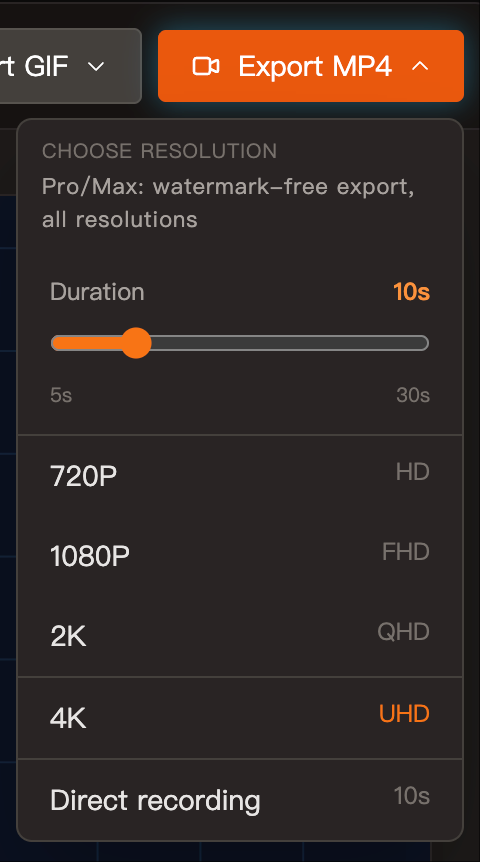
This export method ensures what you see in the browser is exactly what you get in the exported video. It is a true WYSIWYG approach.
It is a bit more manual, so here is a clear guide to help you use it.
1. Find the Direct Recording entry
Whether you are on the Animation Detail page or the Creation page, open the Export MP4 dropdown. At the very bottom you will see Direct Recording.
Click it to open the recording guide window:
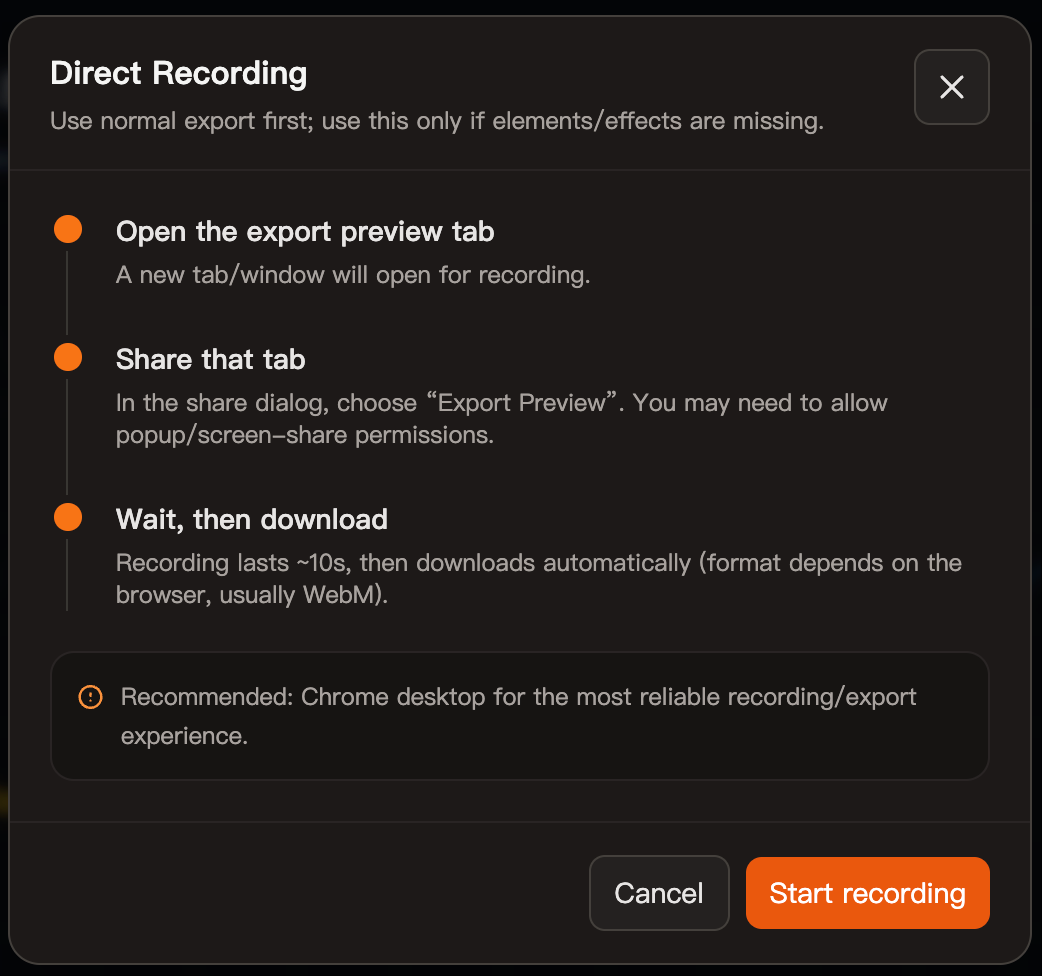
2. Follow the recording steps
Here is the simplest step-by-step flow:
- Click "Start Recording". The browser will open two windows. One is a standalone animation playback page:
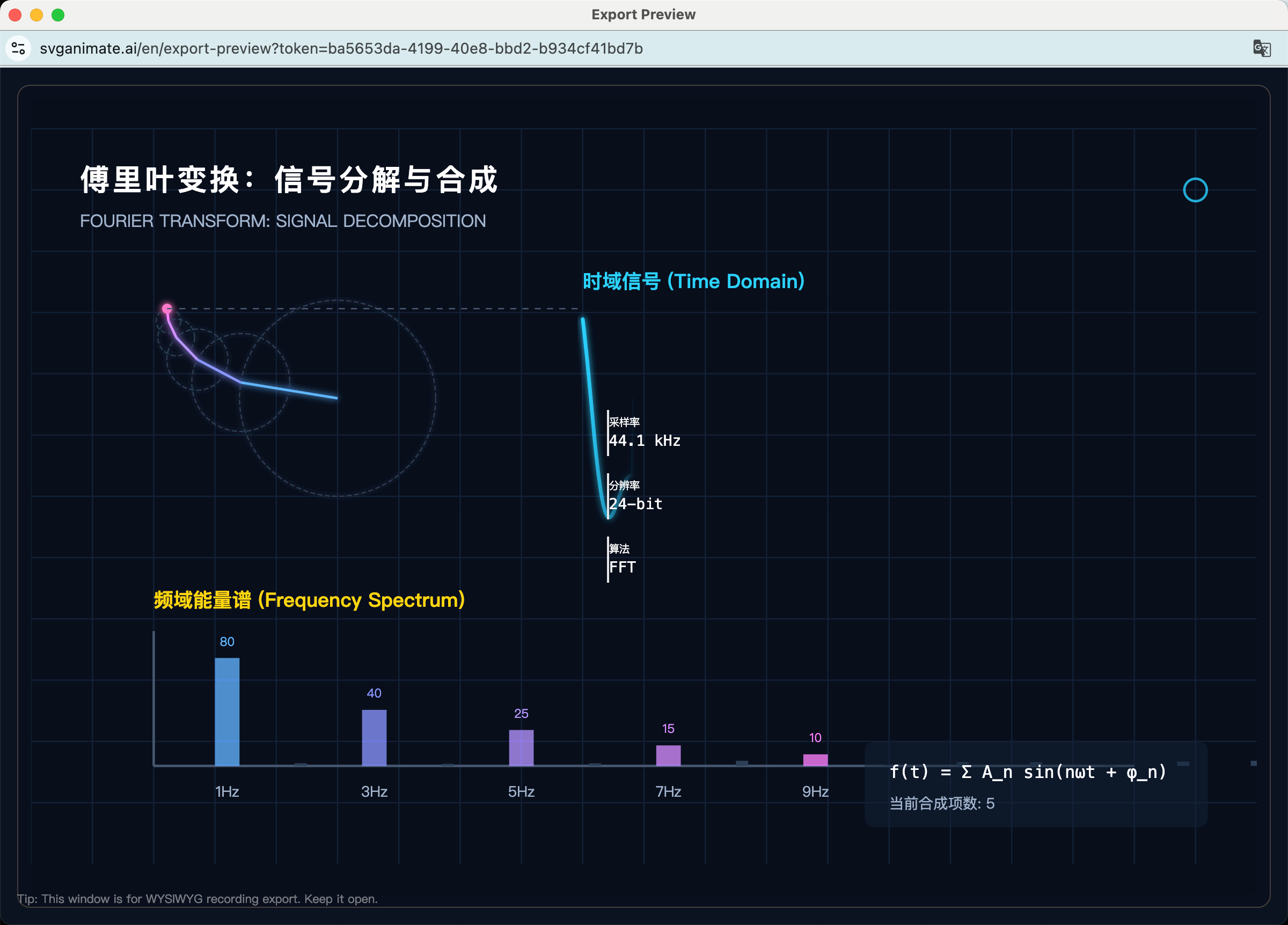
The other is the share selection dialog:
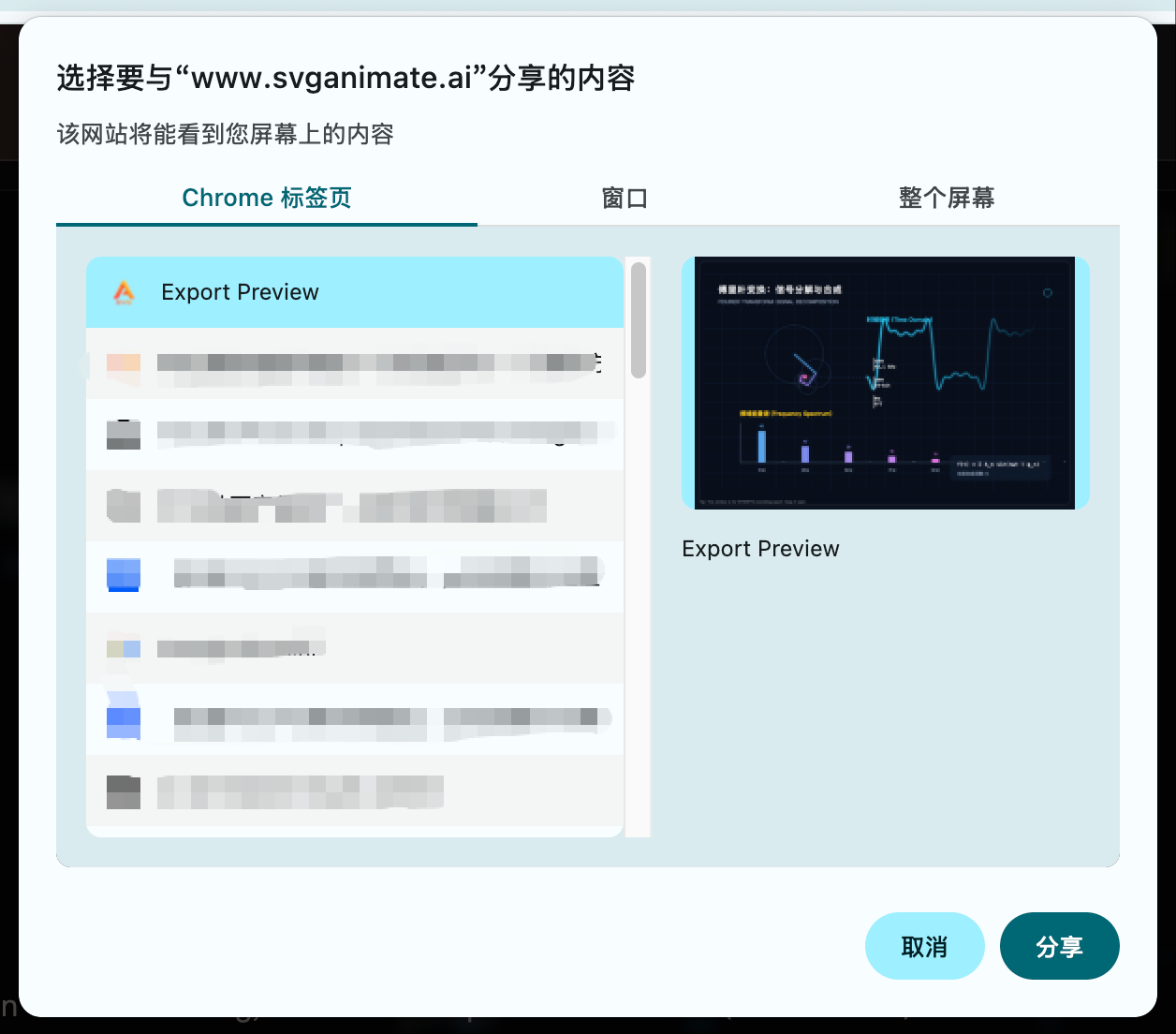
- In the dialog above, select the tab you want to record, then click the Share button in the bottom right. The browser starts recording the standalone animation playback page:
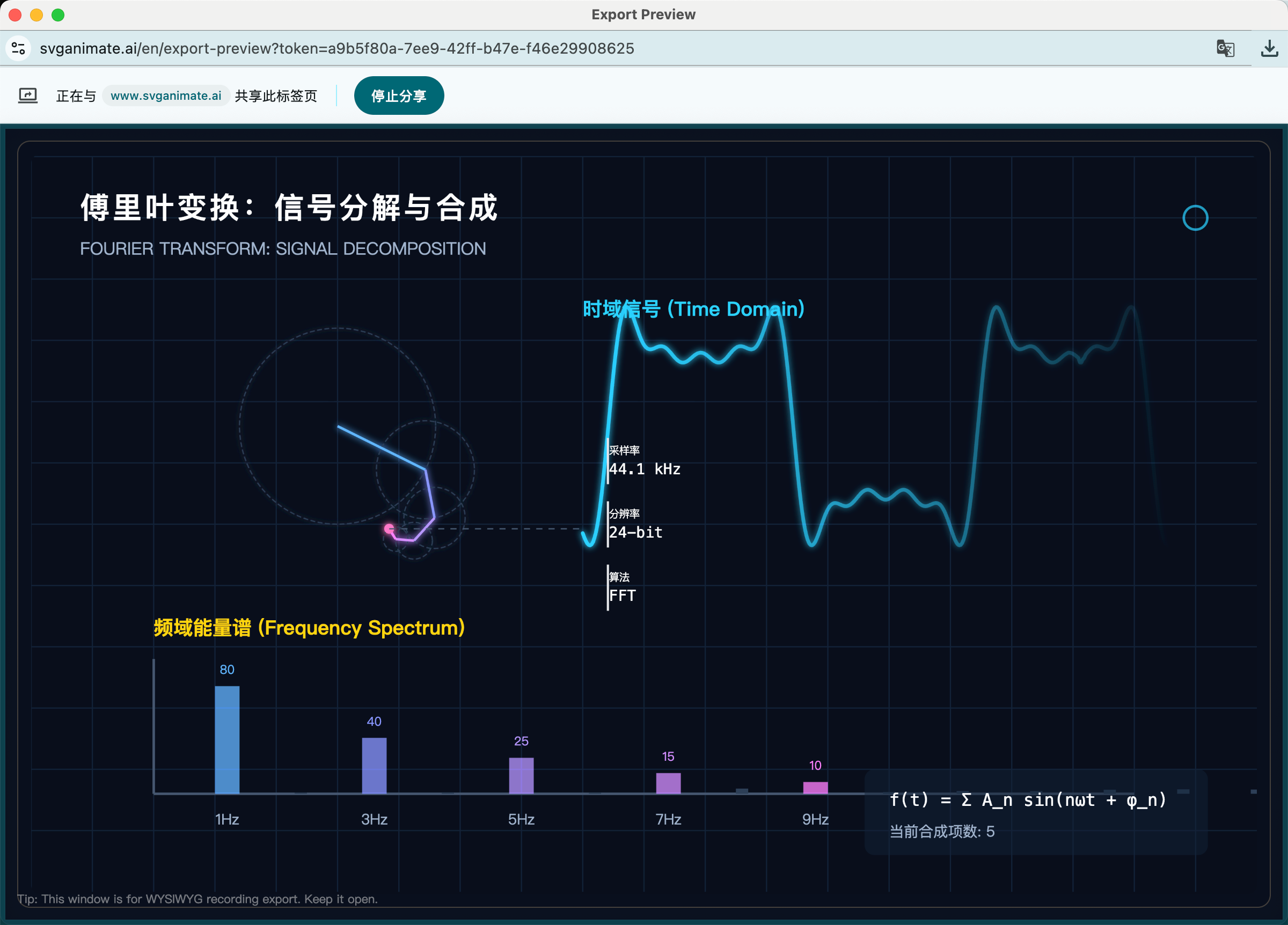
When the set recording duration is reached, it stops automatically and generates a download file.
The default output format is WebM, not MP4. Common video players can play it, and editing software can handle it as well.
3. Two important tips
To keep recording stable, we recommend:
- Use Chrome.
- Do not switch tabs during recording.
4. When to use Direct Recording
This is best if:
- The exported file cannot open.
- Elements are missing after export.
- Complex animations export inconsistently.
- You need a what-you-see-is-what-you-get result.
5. FAQ
Why do you recommend Chrome?
Different browsers handle capture differently. Chrome is currently the most stable.
Will the exported video have a watermark?
Same rule as normal export. No extra watermark is added.
Can I change zoom while recording?
You can, but it is not recommended. Zoom affects the final video size.
If you still have questions, leave me a message anytime. I will keep improving the export experience, and I welcome your feedback.
My X: @xuanyuanzhifeng
My WeChat: xuanyuanuncle
SvgAnimate
SvgAnimate Contributor