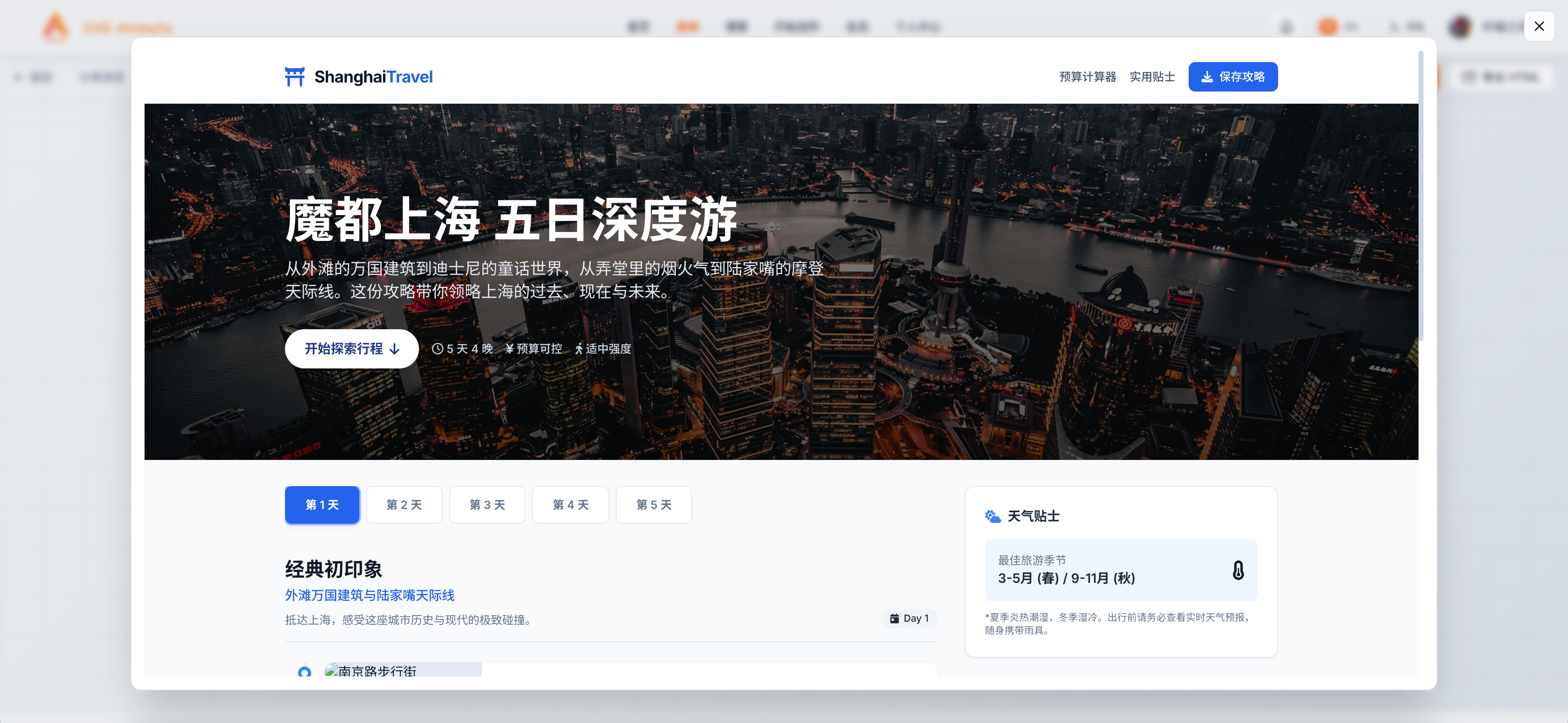
Dynamic View Launch: Generate Interactive Web Pages in One Line

Hi, I am Xuanyuan, the creator of SvgAnimate.
Today I am bringing a brand new feature: Dynamic View.
Traditional AI chat is text only. You ask a question and the AI returns a long block of words.
I think everyone is already tired of that.
After Google released Gemini 3, it also introduced a new feature: Dynamic View.
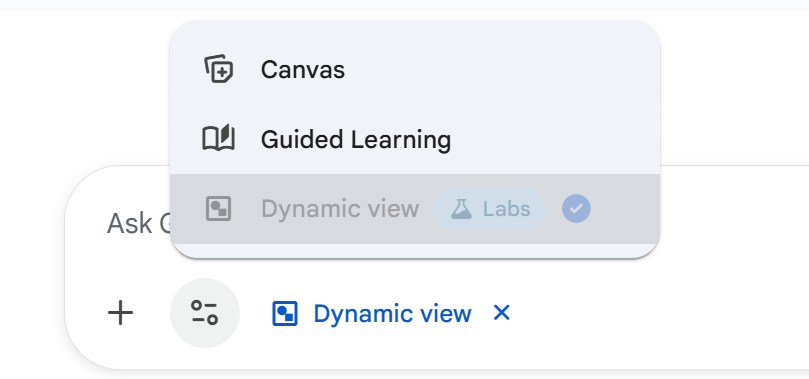
Once you enable it, you can ask a question like: what is the difference between TUN mode and non-TUN mode in a proxy app. This is how Gemini replies:

Instead of plain text, it builds an interactive web page to answer you.
Click the tabs and you can see Gemini 3 visualize the difference between the two modes with animations:


This is much clearer than a long paragraph. I loved it.
But the feature is not open to everyone. Many people want to use it and simply cannot.
So I had an idea: if I cannot use it, I will build my own with Gemini 3.
Now the new SvgAnimate feature Dynamic View is live.
With one sentence, it generates a scrollable, clickable, interactive web view.
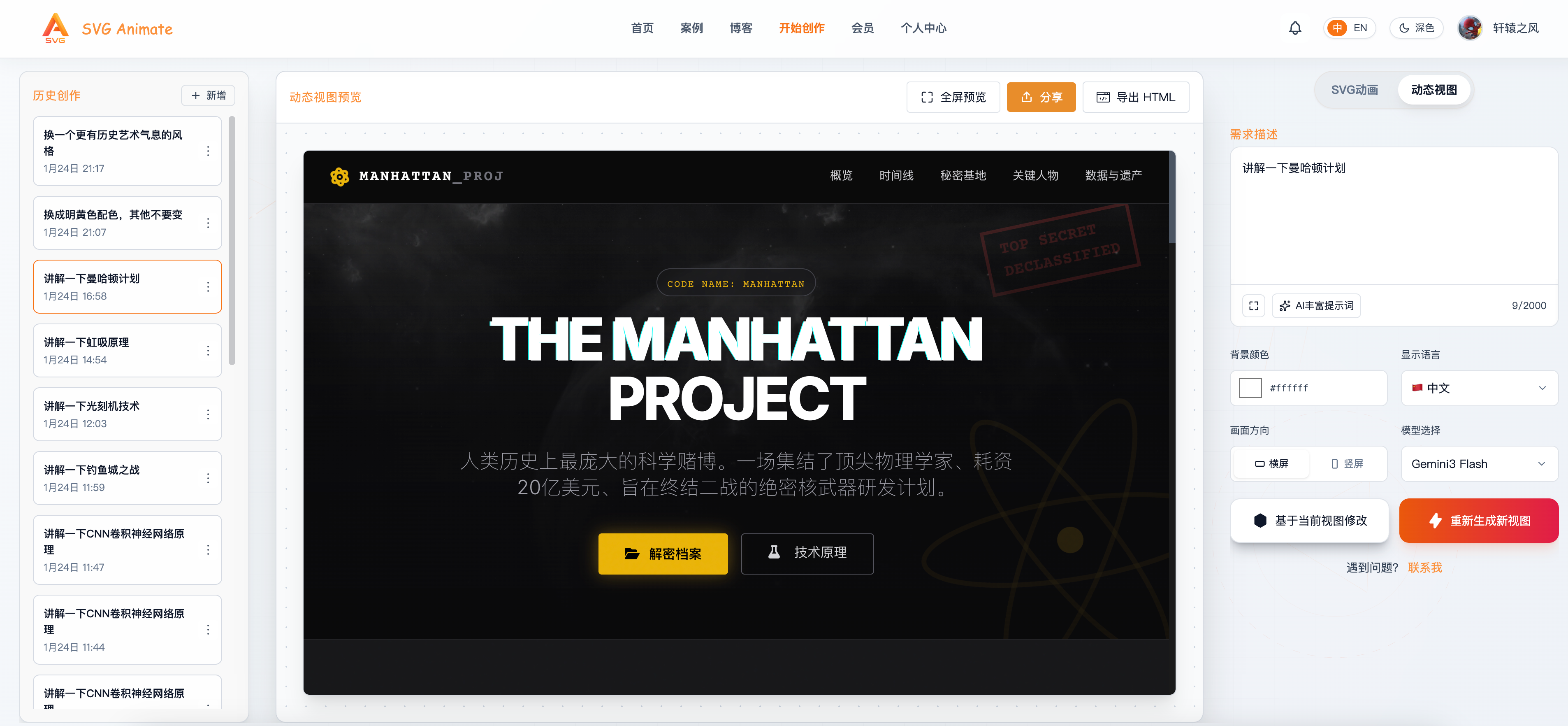
What is Dynamic View?
In short, it is not a text reply. It gives you a full page.
For example, you can describe:
- "Create a five-day travel itinerary for Shanghai"
- "Build a product analytics dashboard with sales trends, order stats, and inventory alerts"
- "Create a course signup page with a form, syllabus, and pricing comparison"
Dynamic View outputs a complete HTML page with layout, charts, interactions, and motion. You can preview it, share it, or export the HTML for local use.
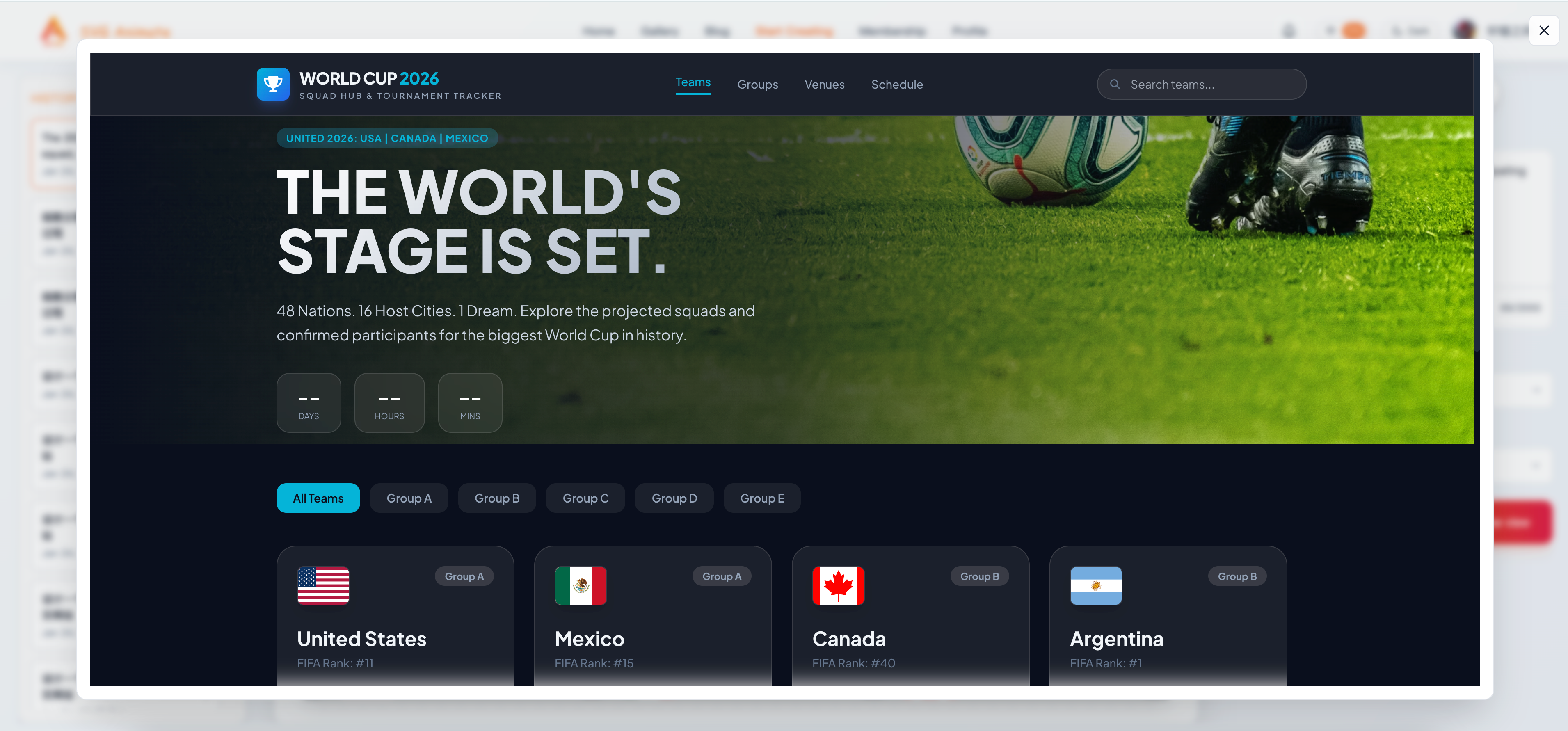
Why did we build it?
Traditional AI chat has a few limitations:
- Low information density: a long paragraph is tiring to read.
- Weak structure: no hierarchy, no emphasis, no visual logic.
- Hard to reuse: not suitable for demos, reports, or product prototypes.
Our goal with Dynamic View is:
Turn understanding into visualization, and turn descriptions into interactions.
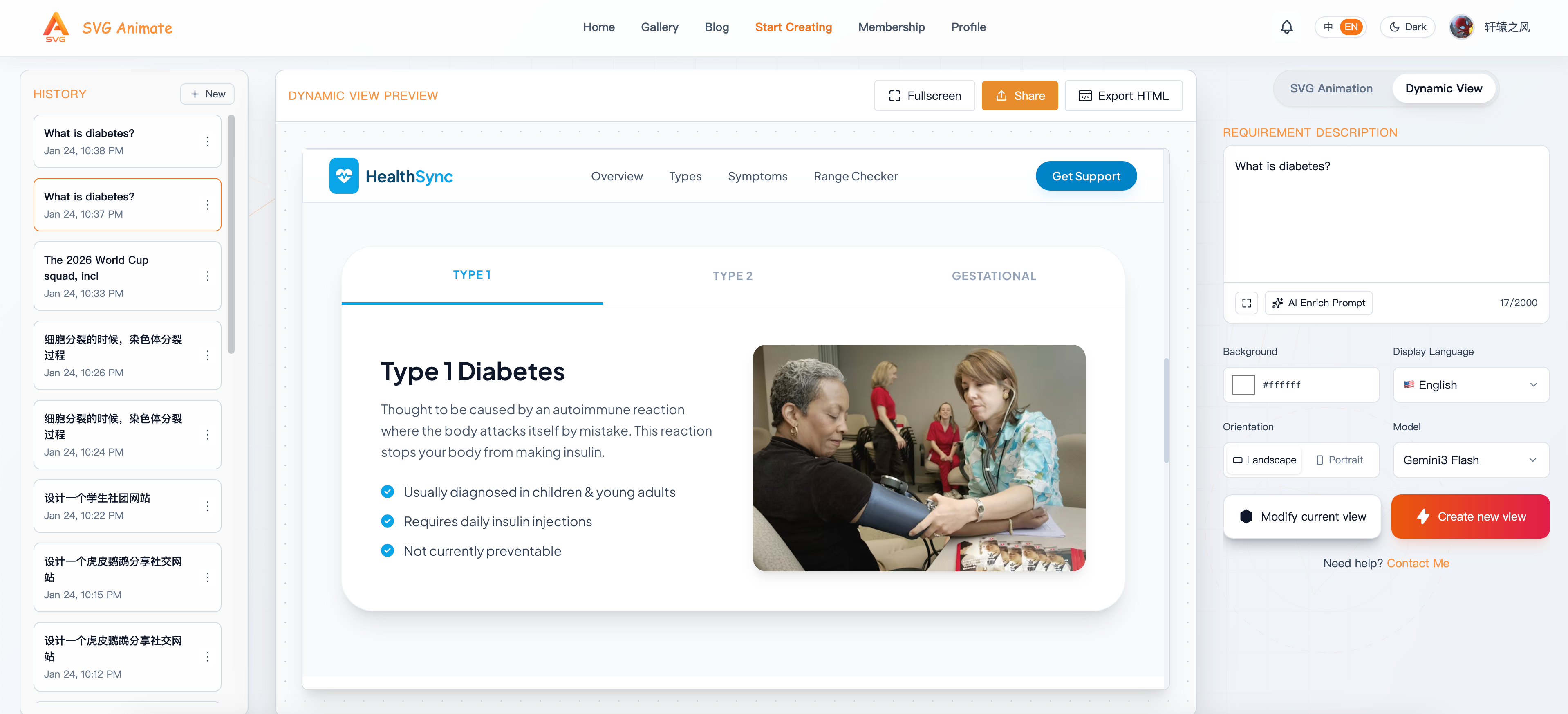
How to use it in SvgAnimate
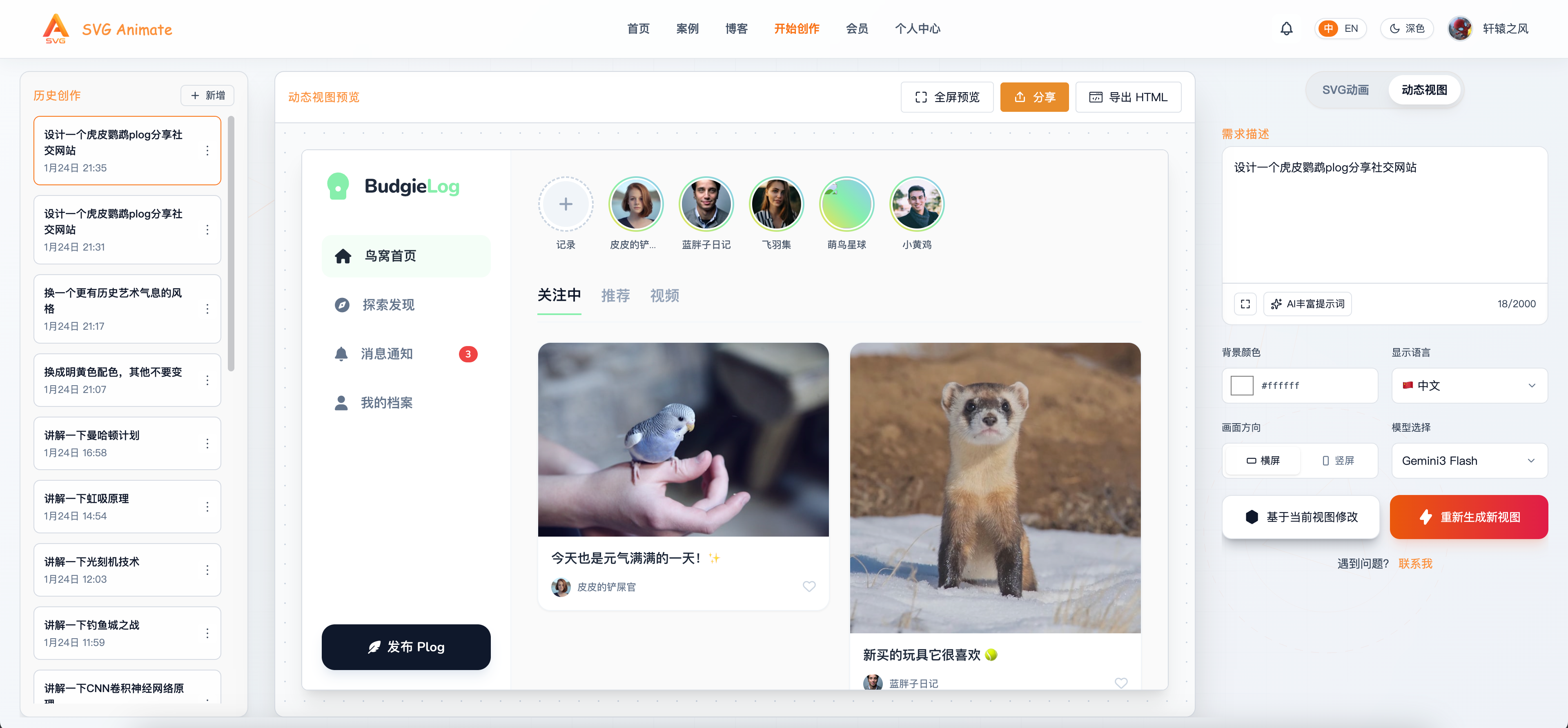
Just choose the Dynamic View tab on the right side of the creation page:
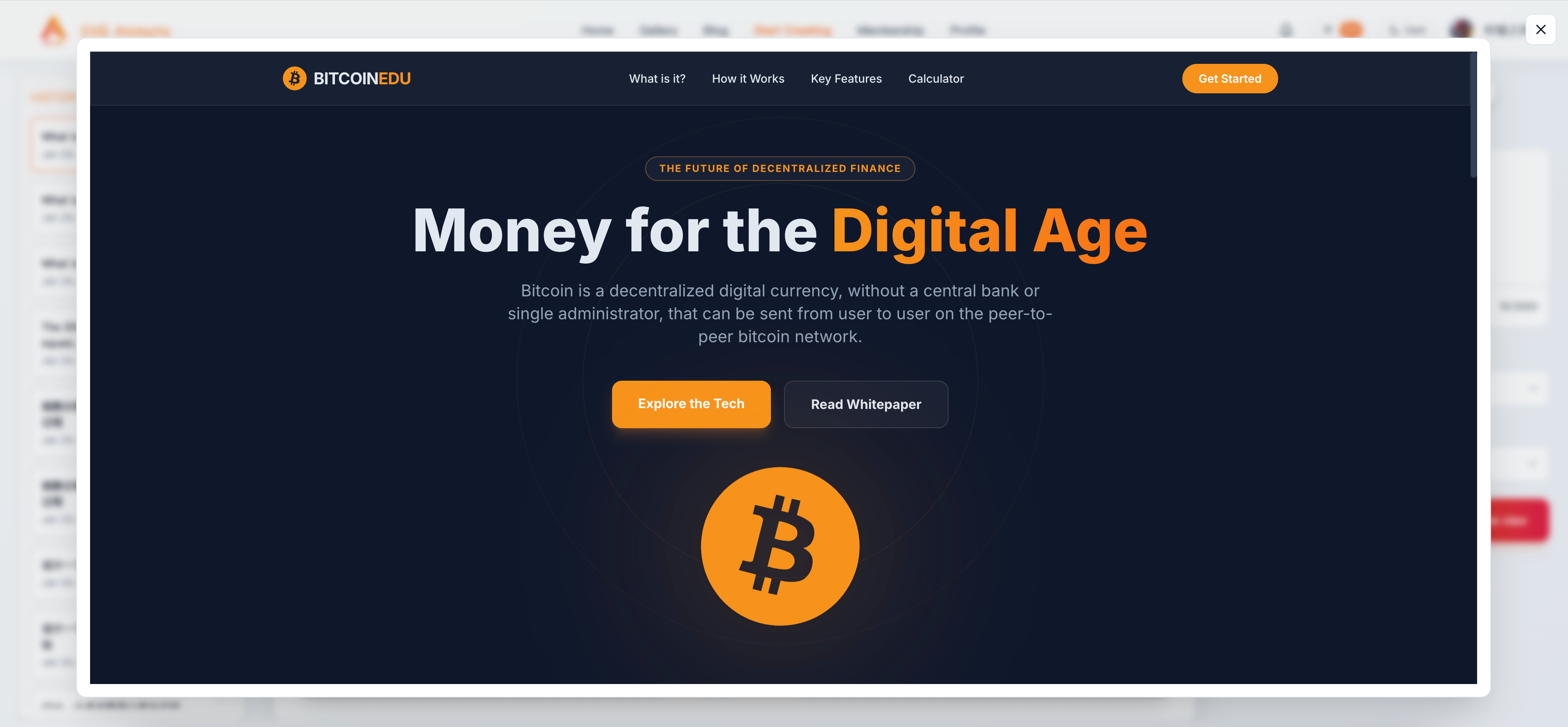
Then type your request and click "Generate".
You will get a full dynamic page:
- Scrollable
- Interactive
- Clearly structured
- Visually usable
If you are not satisfied, you can edit the prompt and let the AI adjust details, or regenerate directly.
Best use cases
1) Reports and dashboards Need a weekly report or a data dashboard? One sentence gives you the structure and visuals.
2) Teaching and explanations Turn complex topics into interactive learning pages and improve comprehension.
3) Content creation Writing articles, making videos, or giving talks. Dynamic View can become a structured script.
4) Product prototypes Need a quick demo of a product idea? Dynamic View gives you a working draft fast.
Try it now
Dynamic View is already integrated into the SvgAnimate creation page. You can use it just like animation creation: one sentence is enough.
I cannot wait to see what you build with it.
If you have any questions, leave a comment. I will keep improving the experience and welcome your feedback.
My X: @xuanyuanzhifeng
My WeChat: xuanyuanuncle
SvgAnimate
SvgAnimate Contributor